Work your way
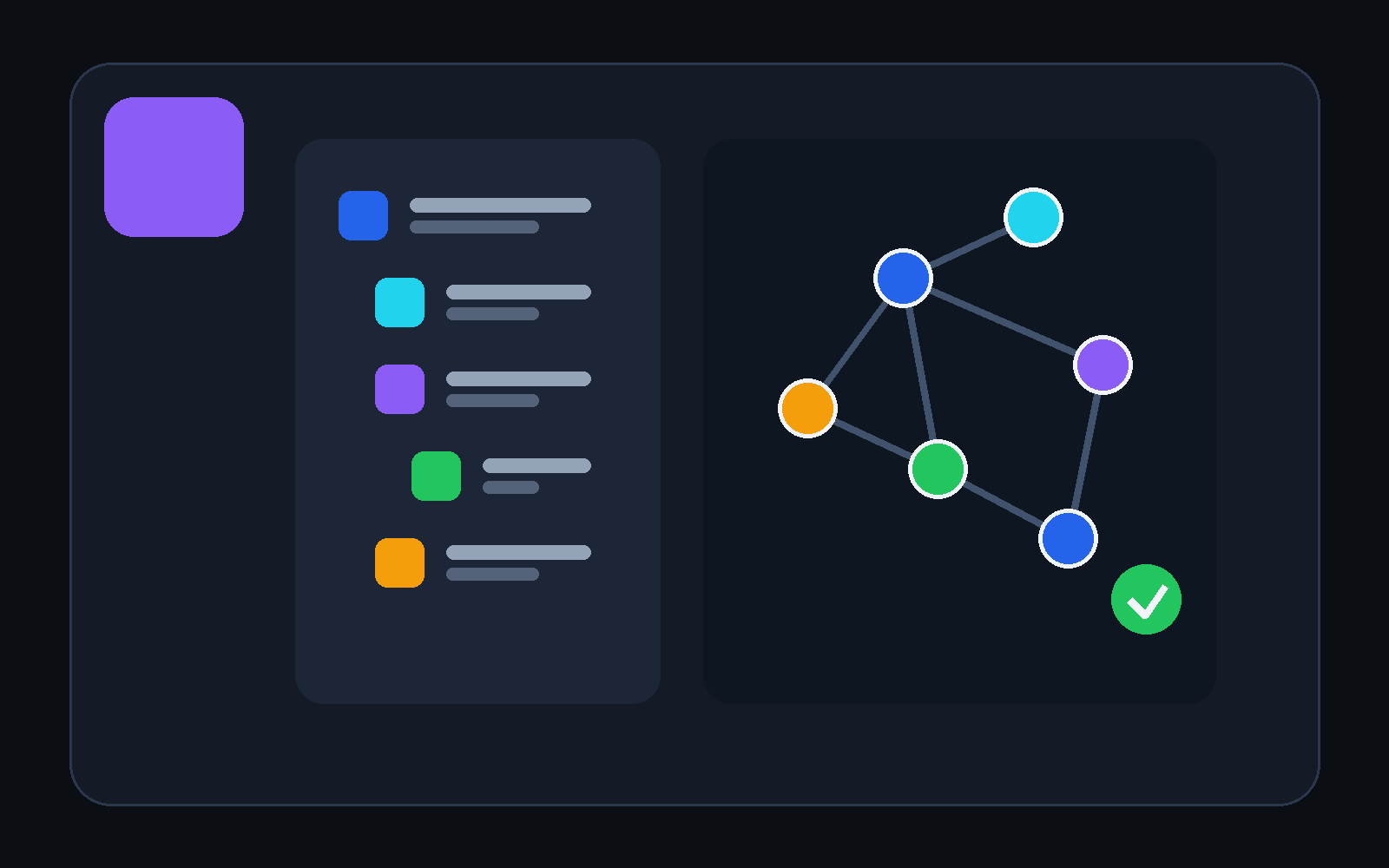
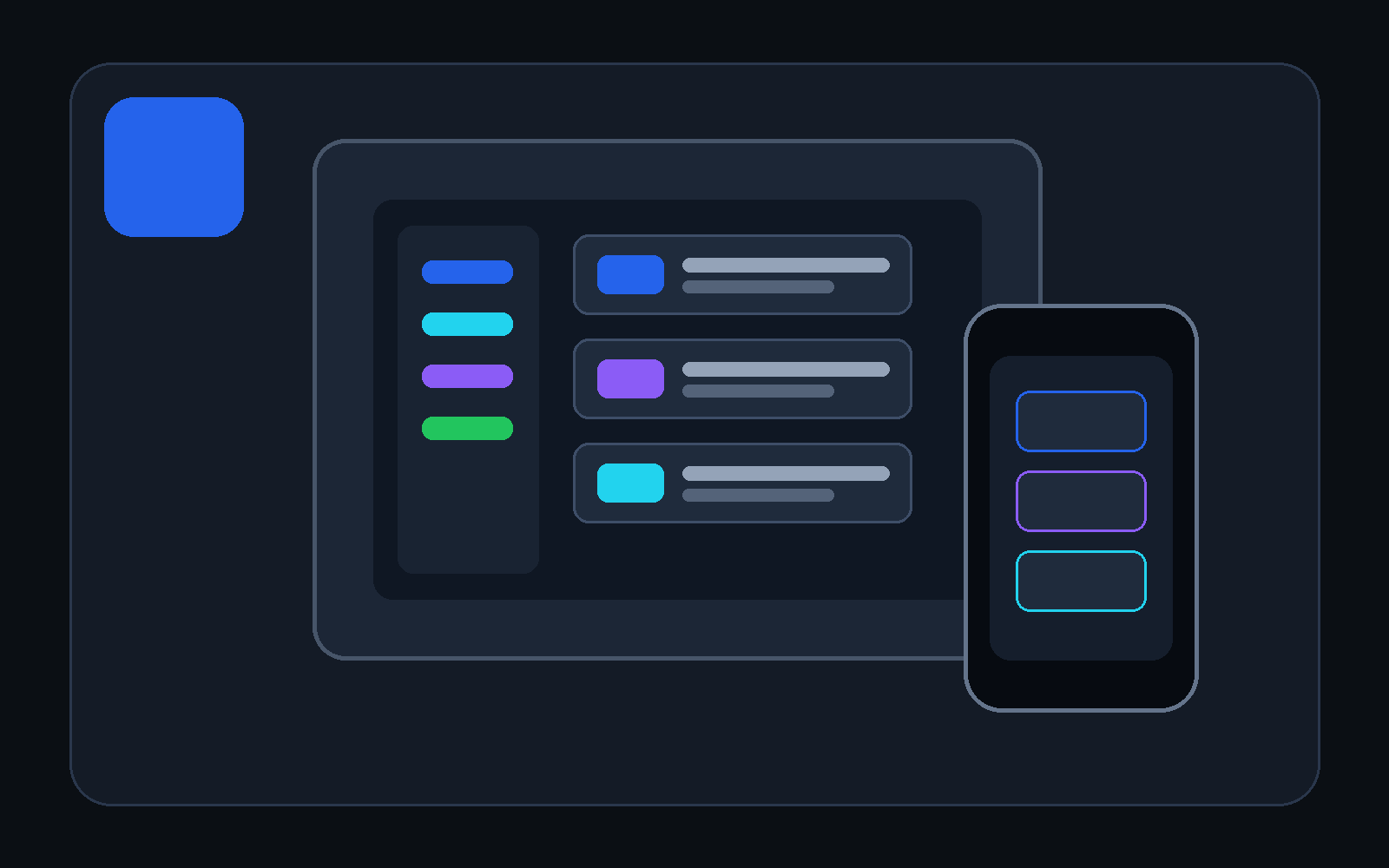
See the same task, note, goal, meeting, or decision as a list, table, cards, board, calendar, timeline, outline, map, or relationship.
 DevDeskYour files. Your workspace.
Plan, write, connect ideas, test APIs, and inspect project Git in one portable workspace. Start with a normal task or note. Add technical tools only when your work needs them.
Windows: available on Microsoft Store. Android: closed testing — contact the developer to join.
project.devdesk. DevDesk recognises the folder and
rebuilds the local workspace.
Connect one or more MCP-compatible agents. Every session stays pinned to its assigned workspace while DevDesk shows who is connected, what observable tool is running, and which proposal needs your review.
Your files remain in the workspace you own.
DevDesk keeps ordinary project files as the source of truth, then gives them useful views, relationships, portability, and optional specialist tools. The distinctive value is the complete combination, not a claim that every individual feature is unique.
See the same task, note, goal, meeting, or decision as a list, table, cards, board, calendar, timeline, outline, map, or relationship.
Your content stays in the folder you chose. Open it in another editor, back it up normally, and share only the files you approve.
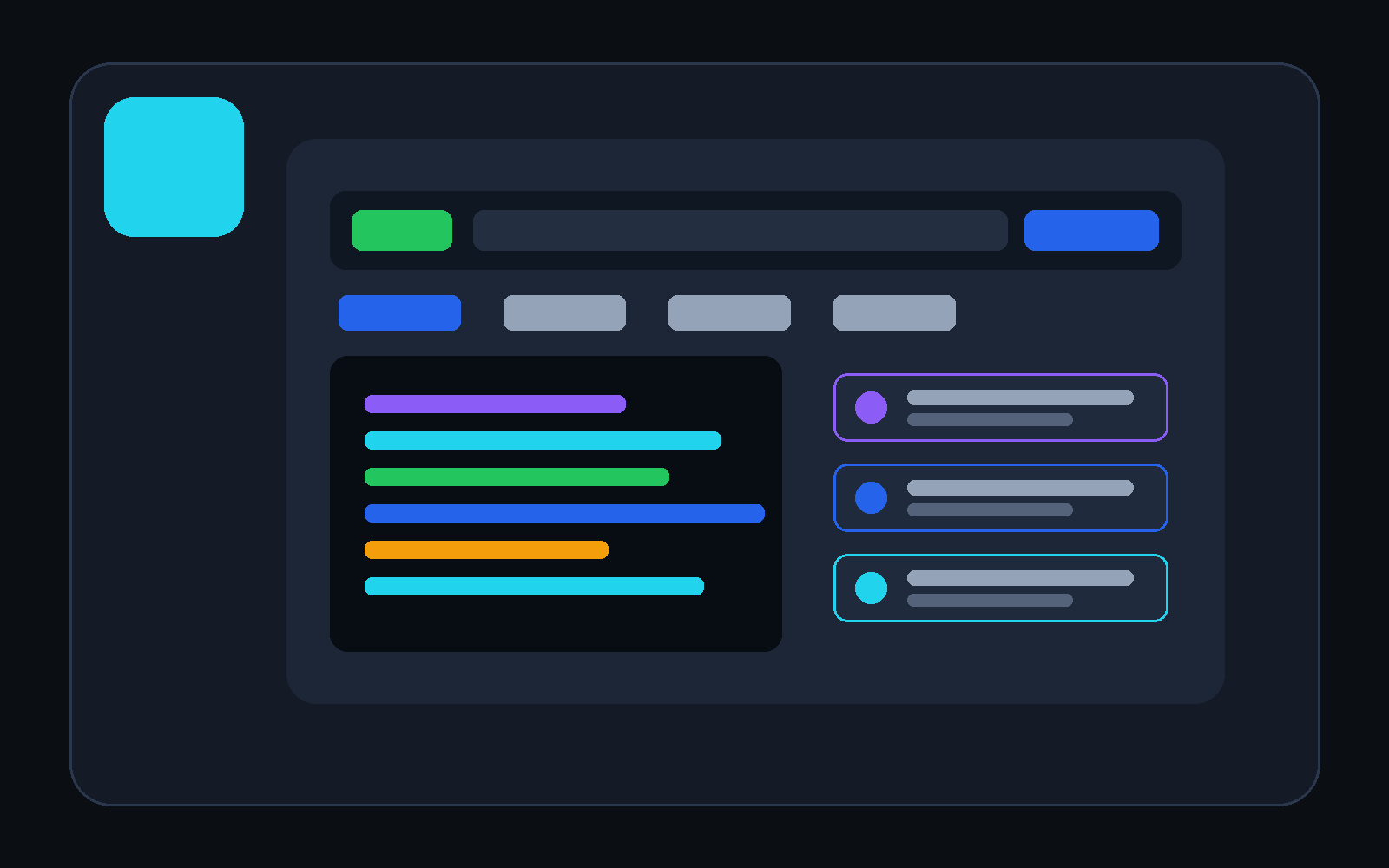
Add connected Markdown, portable Visual Canvas, JSON, OpenAPI, saved API testing, OKF checks, Diff, and workspace-scoped Git as needed.
Create tasks, notes, goals, assignments, meetings, decisions, sources, outlines, and drafts. DevDesk handles Markdown structure and graph connections for you.
A project can carry portable docs, safe settings, a sanitized API workspace, OpenAPI, JSON, and knowledge links. Parent-repository Git can be detected while DevDesk actions remain restricted to the selected workspace.
project.devdesk, and continuePreview a new workspace, or open an existing folder without writes. Add portable identity only when you choose it.
DevDesk derives views and relationships. Safe project writes stay reviewable, bounded, and conflict-aware.
Open project.devdesk. Local registration and indexes
are rebuilt; protected values and trust stay device-local.
| What matters | Single-purpose project apps | DevDesk |
|---|---|---|
| Source of truth | Often an app-specific workspace or one specialist format | Ordinary files in your selected folder |
| Ways to see work | Usually centred on one product category | Table, cards, planning views, map, graph, and Visual Canvas |
| Developer context | Often opened in separate tools and separate workspaces | API, OpenAPI, JSON, Diff, and scoped Git beside project docs |
| Move to another system | May require export, sync, or setup recreation | Copy or clone, then open project.devdesk |
Different products solve different problems. This comparison describes DevDesk's design goal, not every product in each category.
Read-only indexes can rebuild automatically. Project writes use Manual, Review changes, or bounded Safe automatic mode. Secrets, cookies, execution trust, recents, and personal layout do not belong in portable project files.
Existing paths and external file changes are preserved and reported.
Sanitized API structure can travel; protected values stay on the device.
File actions stay inside the workspace. Local commits remain explicit and require a final staged-index review.
The static DevDesk Support Assistant runs entirely in this website and is ready for GitHub Pages. It searches the published manual, quotes relevant guidance, and links every answer to its source page. No account, API key, or hosted AI service is used.
Watch Codex follow a DevDesk knowledge graph from one task to the relevant brief, architecture, source, and tests. Then download the exact starter workspace and reproduce the review-before-write flow on your own device.
Android and Windows availability is shown transparently on the downloads page. No unreleased platform is presented as available.